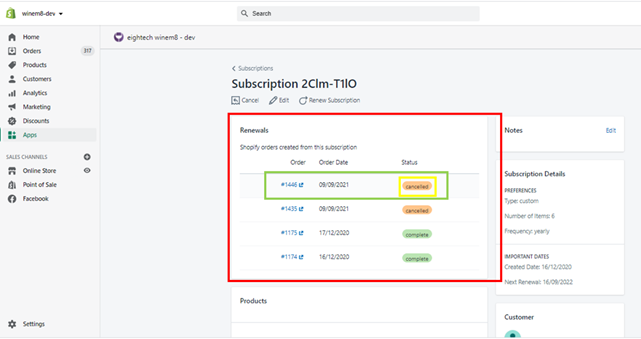
Cancelling a single order or renewal
Single subscription renewals can be cancelled via the Shopify Order interface. This will also cancel the order within winem8 and therefore prevent the order from renewing and the stored payment method from being charged.
Process of cancelling the single subscription renewal
Section titled “Process of cancelling the single subscription renewal”-
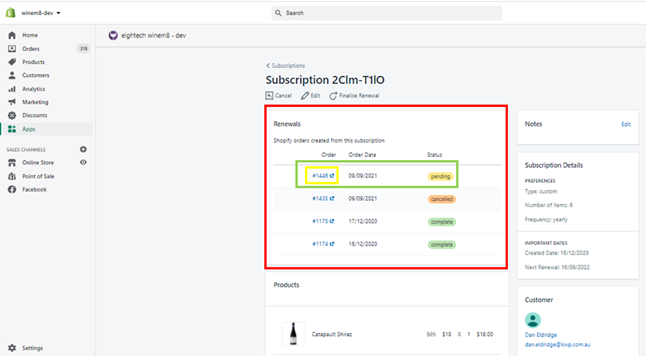
Navigate to the subscription via the Shopify Admin interface and open the renewal order by clicking on the order number.
-
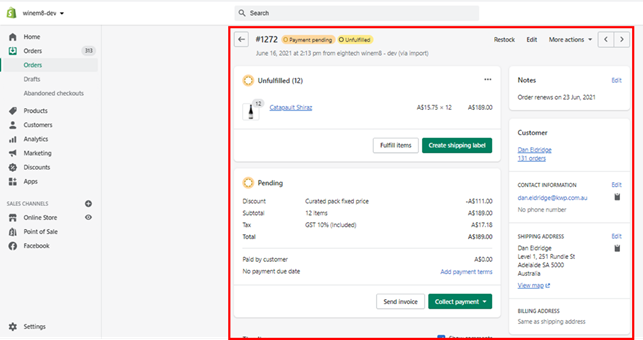
The order details page in Shopify will open.
-
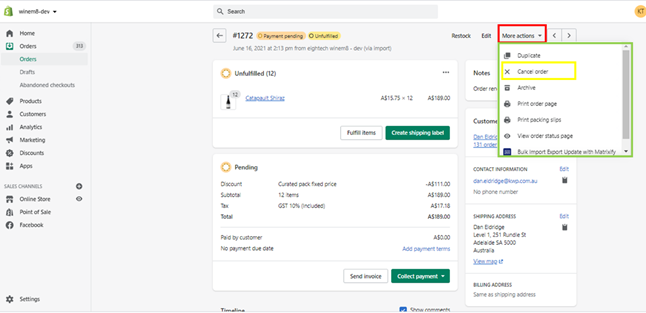
Click on the More actions dropdown on the top right of the page and click Cancel order.
-
A pop-up will appear. Select the required details — restock items, reason for cancellation, and notification — then click Cancel order to confirm.
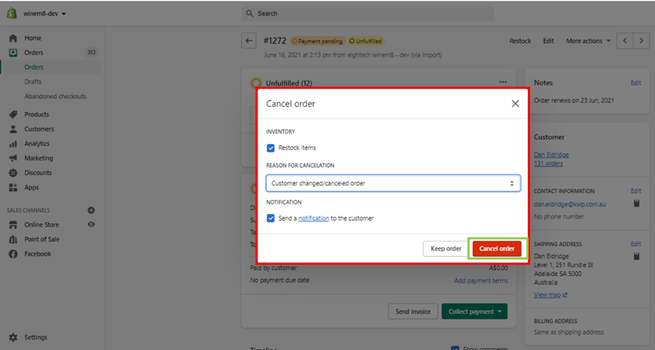
-
After a few minutes the order will show as cancelled on the subscription details screen within winem8.