Distributors
Create a distributor as a store admin
Section titled “Create a distributor as a store admin”-
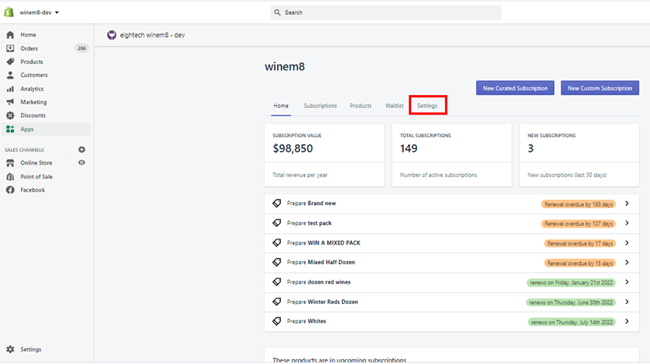
Click on Settings.
-
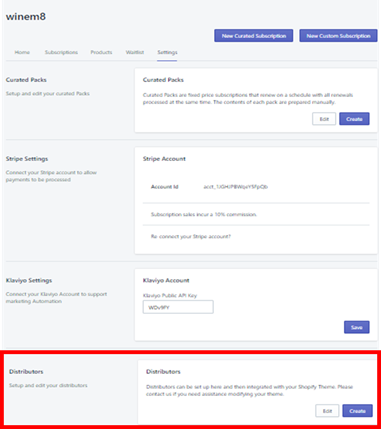
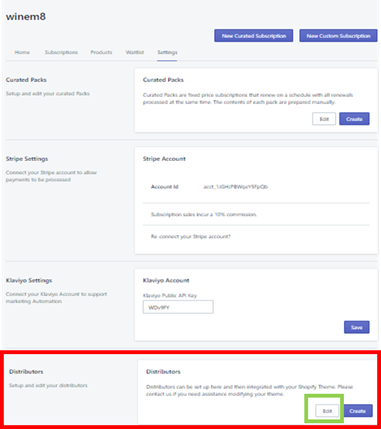
The Settings tab will have a Distributors section at the bottom.
-
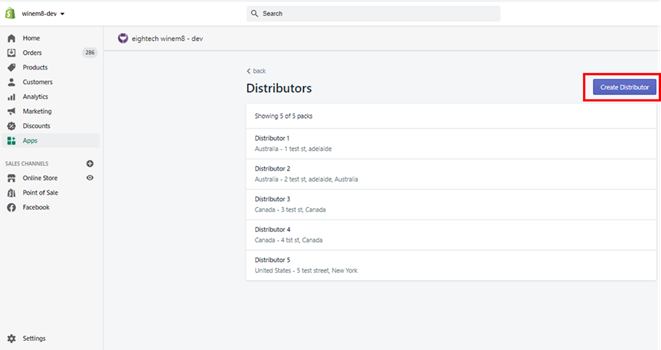
Click on the Create Distributor button.
-
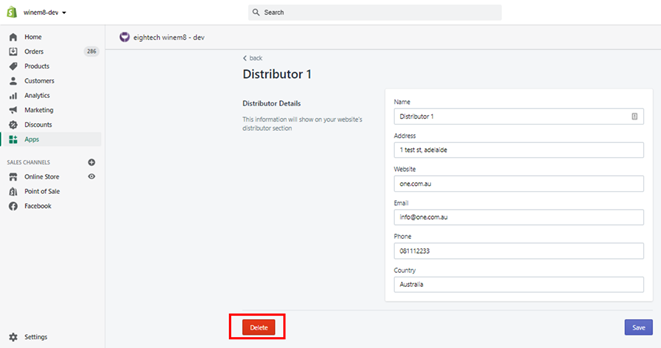
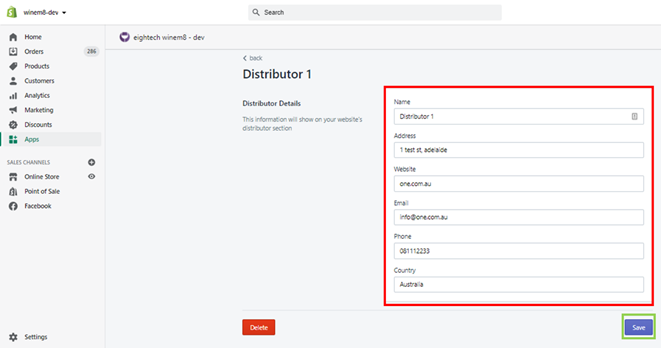
The following screen will open with Name, Address, Website, Email, Phone, and Country fields. Add all the details and click Save.
Distributors - usage
Section titled “Distributors - usage”The Distributors section is a simple contact directory you can use to list all the contact information of the brand’s professional network. The contacts could be grouped by country.
Edit or delete a distributor as a store admin
Section titled “Edit or delete a distributor as a store admin”-
Click on Settings.
-
The Settings tab will have a Distributors section at the bottom.
-
Click on the Edit button to edit any of the existing listed distributors.
-
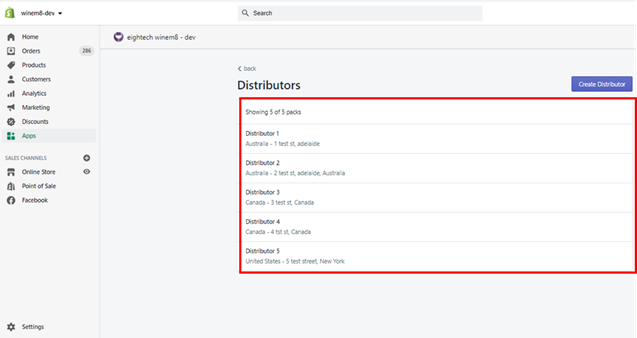
The list of existing distributors will appear. Click on the distributor that needs to be edited (e.g. Distributor 1).
-
The following screen will open. Name, Address, Website, Email, Phone, and Country fields can be edited. Once done click Save.
-
To delete the distributor, click on the Delete button.